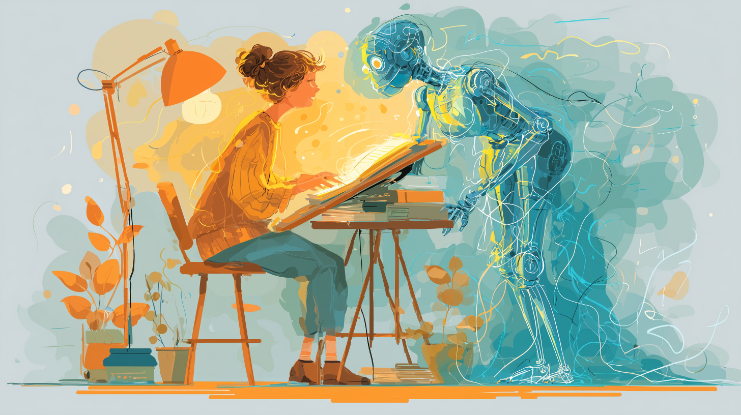
Start with your own outline, not a blank prompt
The more you rely on AI to decide what to say, the more generic your content becomes. Instead of asking “write an article about X”, try:
- Write your own outline with the key points and examples.
- Use AI to expand specific bullet points, not the entire piece.
- Ask for variations on a paragraph you’ve already started.
Use your real voice and experiences
AI doesn’t know your life. Human-sounding writing often includes:
- Short personal stories (“In my case…”, “When I tried this…”).
- Specific details that AI would not invent (real places, tools, constraints).
- Natural phrases you actually use in speech.
Break the AI rhythm
AI-generated text often has a smooth, repetitive rhythm and very similar sentence length. You can break that pattern by:
- Mixing short and long sentences.
- Adding rhetorical questions.
- Using lists only where they truly help.
Edit like a human, not like another AI
After getting an AI draft, don’t just prompt “make it more human”. Read it slowly and mark where it feels off:
- Replace generic phrases like “in today’s fast-paced world” with something specific.
- Delete filler sentences that add no value.
- Inject your own opinions and disagreements.
Be transparent when it matters
For casual posts, nobody expects a full report of your tool stack. But for serious contexts (academic work, journalism, legal writing), transparency about AI use matters.
A simple line such as “Drafted with the help of AI, edited by [your name]” can go a long way in keeping trust.
Check for consistency and truth
AI tools can hallucinate facts, dates, quotes and numbers. Before you publish:
- Verify important facts with trusted sources.
- Check names, statistics and references.
- Make sure the tone fits your audience and context.
Use AI to think with you, not instead of you
The best AI-assisted writing often happens when you treat the tool as a collaborator:
- Brainstorm ideas together.
- Ask for counterarguments to your point.
- Use it as a second pair of eyes for clarity and structure.
When you stay in control of the content and let AI handle the heavy lifting, your writing stays human – with a little extra superpower.